
MpBazaar1.3 - App Store
You'll be able to see results in few seconds.
Publisher Description
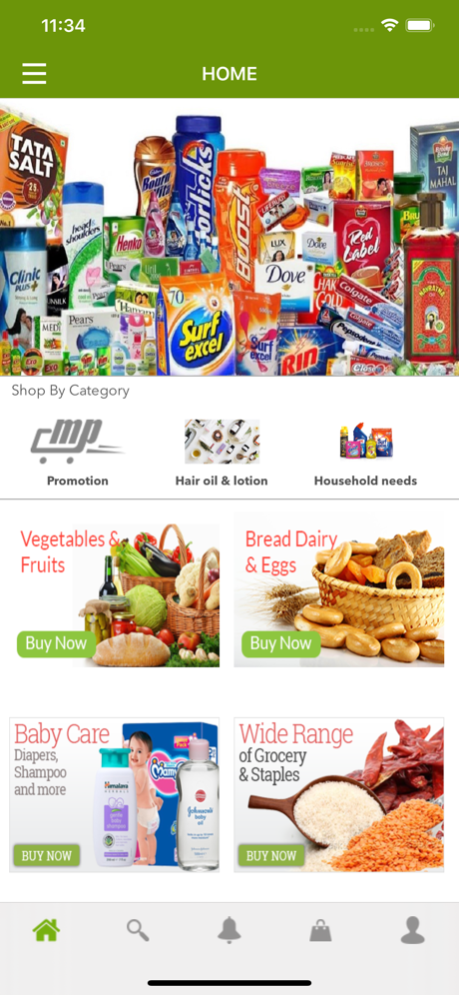
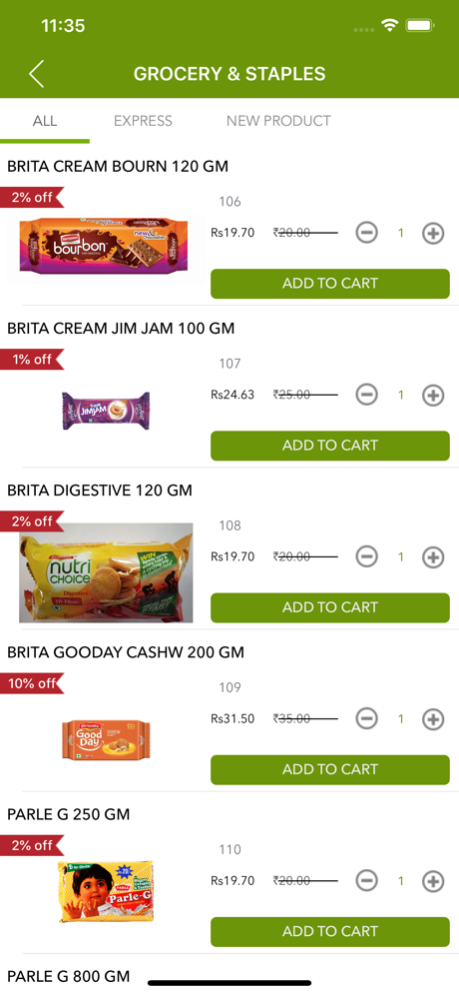
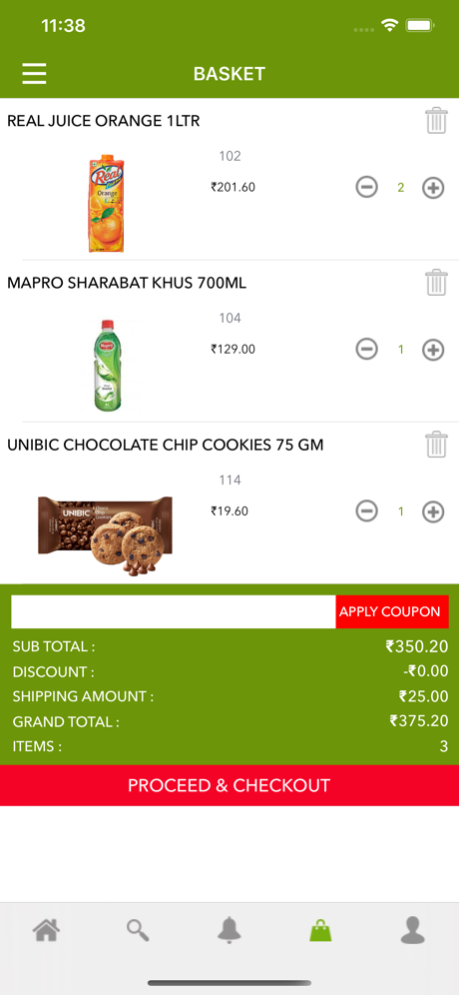

MpBazaar is an online grocery delivery system that makes online grocery ordering superbly comfortable.
MpBazaar is an online grocery delivery system that makes online grocery ordering superbly comfortable. It is a much-needed app in today's mobile era to buy your desired grocery items at the tip of your fingers. This app provides users with a broad range of grocery products with prices and discounts. Users can directly order any grocery item by selecting the quantity and adding the product to the cart.
Now perform your grocery shopping in an instant and easier manner. MpBazaar is the most advanced grocery app that lets you shop anything from a grocery, fruits, beverages, personal care products and more with a few taps on your mobile. It presents several grocery items distributed in different categories that make easy for buyers to find products they want and add it to the cart. Furthermore, this grocery shopping app provides users with special offers, specialty stores, most favourite brands and categories to help them get most convenient shopping experience. Once the users have done with the shopping, the app allows to select a delivery location or make a call to grocery shop and place the order.
Key Features
• Attractive and user-friendly interface.
• Go through all products, product categories, offers and discounts.
• Products with prices, discount, select the quantity and add to the cart option.
• Create your personalised shopping list.
Now you no need to visit a grocery store. MpBazaar has brought entire grocery stop at your fingertips. Try this advanced and user-friendly app today for amazing online grocery shopping experience.
Feb 25, 2021
Version 1.3
-Fixed minor issues.
-App updated for the latest OS.
About MpBazaar
The company that develops MpBazaar is Vivek Ghai. The latest version released by its developer is 1.3.
To install MpBazaar on your iOS device, just click the green Continue To App button above to start the installation process. The app is listed on our website since 2021-02-25 and was downloaded 0 times. We have already checked if the download link is safe, however for your own protection we recommend that you scan the downloaded app with your antivirus. Your antivirus may detect the MpBazaar as malware if the download link is broken.
How to install MpBazaar on your iOS device:
- Click on the Continue To App button on our website. This will redirect you to the App Store.
- Once the MpBazaar is shown in the iTunes listing of your iOS device, you can start its download and installation. Tap on the GET button to the right of the app to start downloading it.
- If you are not logged-in the iOS appstore app, you'll be prompted for your your Apple ID and/or password.
- After MpBazaar is downloaded, you'll see an INSTALL button to the right. Tap on it to start the actual installation of the iOS app.
- Once installation is finished you can tap on the OPEN button to start it. Its icon will also be added to your device home screen.
Program Details
System requirements
Download information
Pricing
Version History
version 1.3
posted on 2021-02-25
Feb 25, 2021
Version 1.3
-Fixed minor issues.
-App updated for the latest OS.
version 1.1
posted on 2016-09-11
Disclaimer
Official App Store Link
We do not host MpBazaar on our servers. We did not scan it for viruses, adware, spyware or other type of malware. This app is hosted by Apple and passed their terms and conditions to be listed there. We recommend caution when installing it.
The App Store link for MpBazaar is provided to you by apps112.com without any warranties, representations or guarantees of any kind, so access it at your own risk.
If you have questions regarding this particular app contact the publisher directly. For questions about the functionalities of apps112.com contact us.
